SweatStack Console
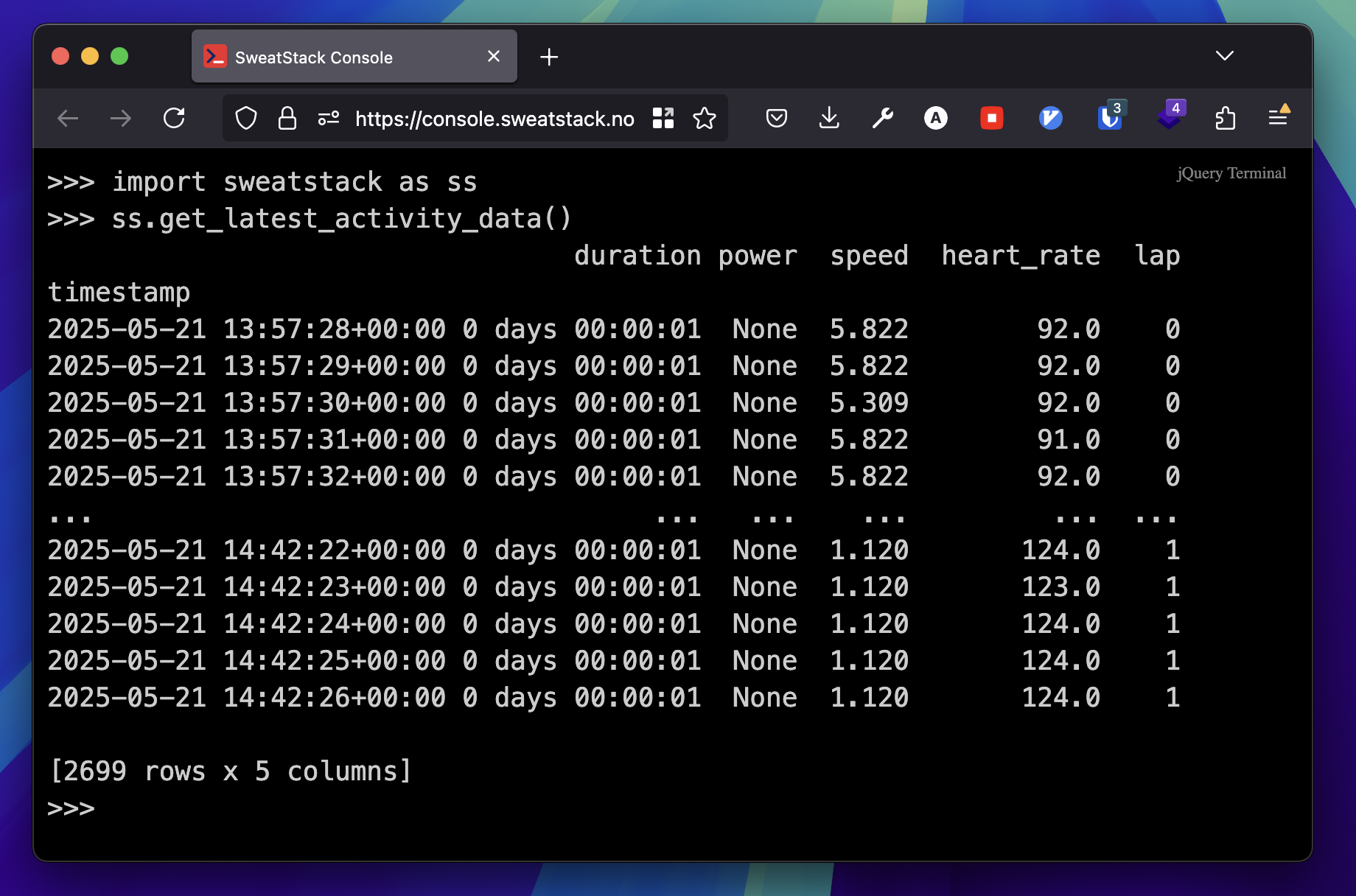
SweatStack Console is a Python REPL (read-eval-print loop) that runs in your browser, signed in to your SweatStack account. Use it to explore the API and the Python SDK, test ideas, and prototype, without setting up a local development environment.
SweatStack Console is based on pyodide.org/en/stable/console.html.
Features
- No installation. Open it in your browser.
- Signed in. Connected to your SweatStack account from the start.
- Autocomplete. Code suggestions as you type.
- Documentation. Built-in help.
Get started
- Open console.sweatstack.no.
- Start coding.
Prefill code
SweatStack Console accepts an optional prefill query parameter: URL-encoded code that appears at the prompt when the console starts. For security, the console does not run the prefilled code until you do.
Say you want to prefill this code:
for i in range(10):
    print(i)
URL-encoded, the code is:
for%20i%20in%20range%2810%29%3A%0A%20%20%20%20print%28i%29
So the full URL is:
https://console.sweatstack.no/?prefill=for%20i%20in%20range%2810%29%3A%0A%20%20%20%20print%28i%29
URL-encode Python code
urlencoder.org URL-encodes a block of Python code for you.
Plotting
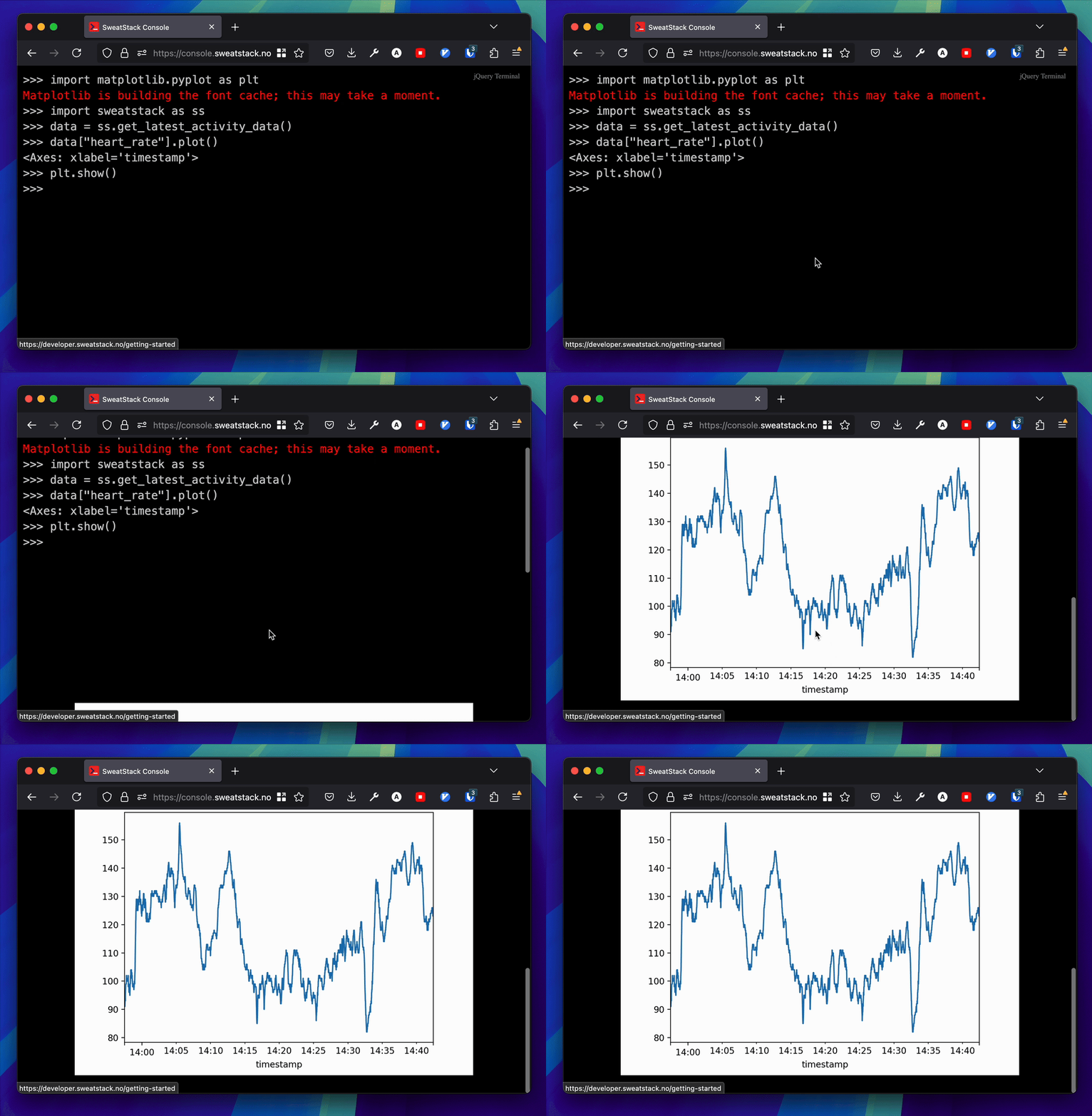
SweatStack Console has basic plotting support through matplotlib:
import matplotlib.pyplot as plt
import sweatstack

latest = sweatstack.activities.latest()
data = sweatstack.activities.data(latest.id, output="pandas")

data.plot(x="timestamp", y="heart_rate")
plt.show()
The console renders the plot at the bottom. You might have to scroll down to see it.